Book the Thai driving test, step by step.
Install the official DLT app, register through the Foreigner stream, pick your branch, choose Driver License, then book a date. English-language availability varies by office, so confirm the slot and bring the QR code on the day.
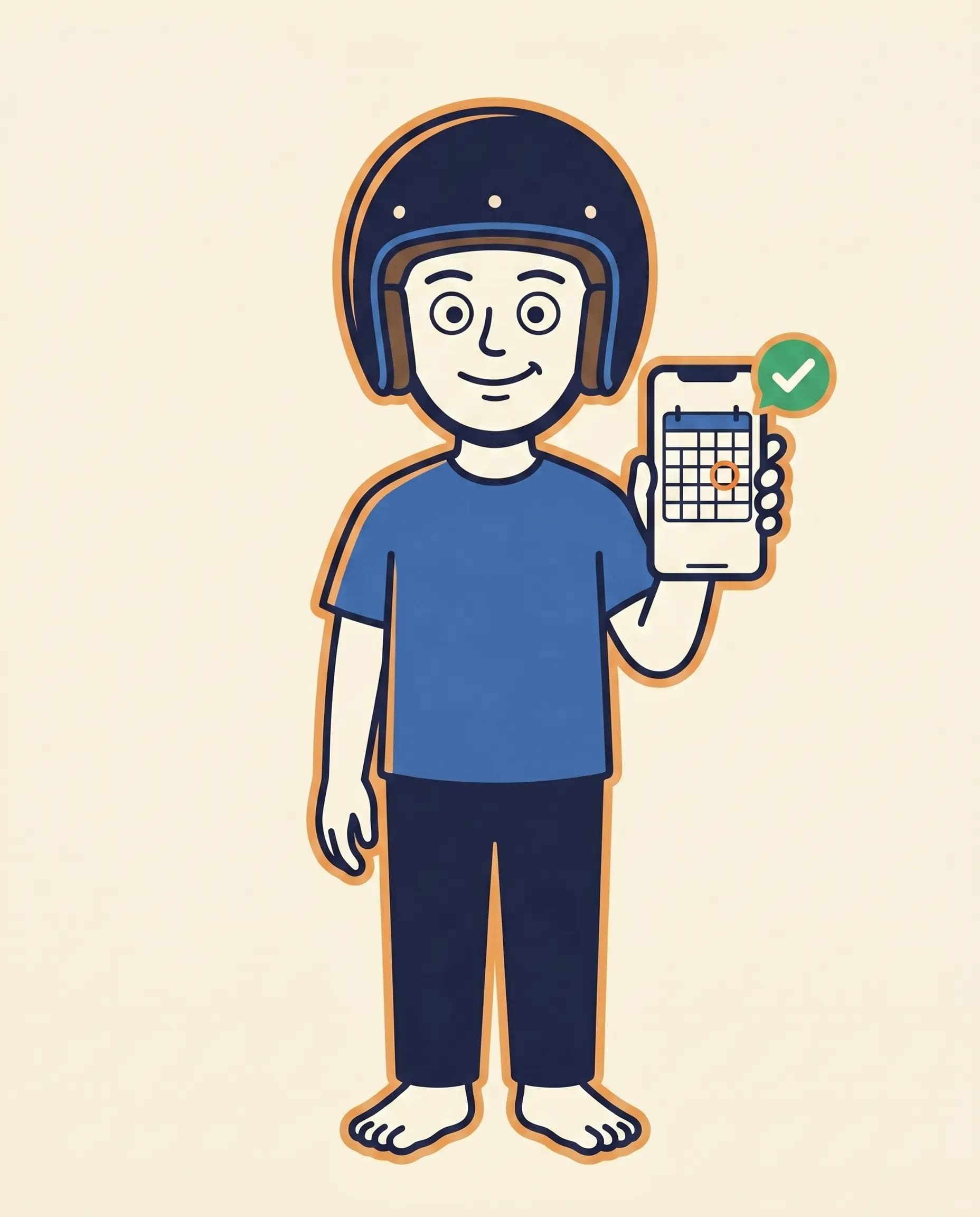
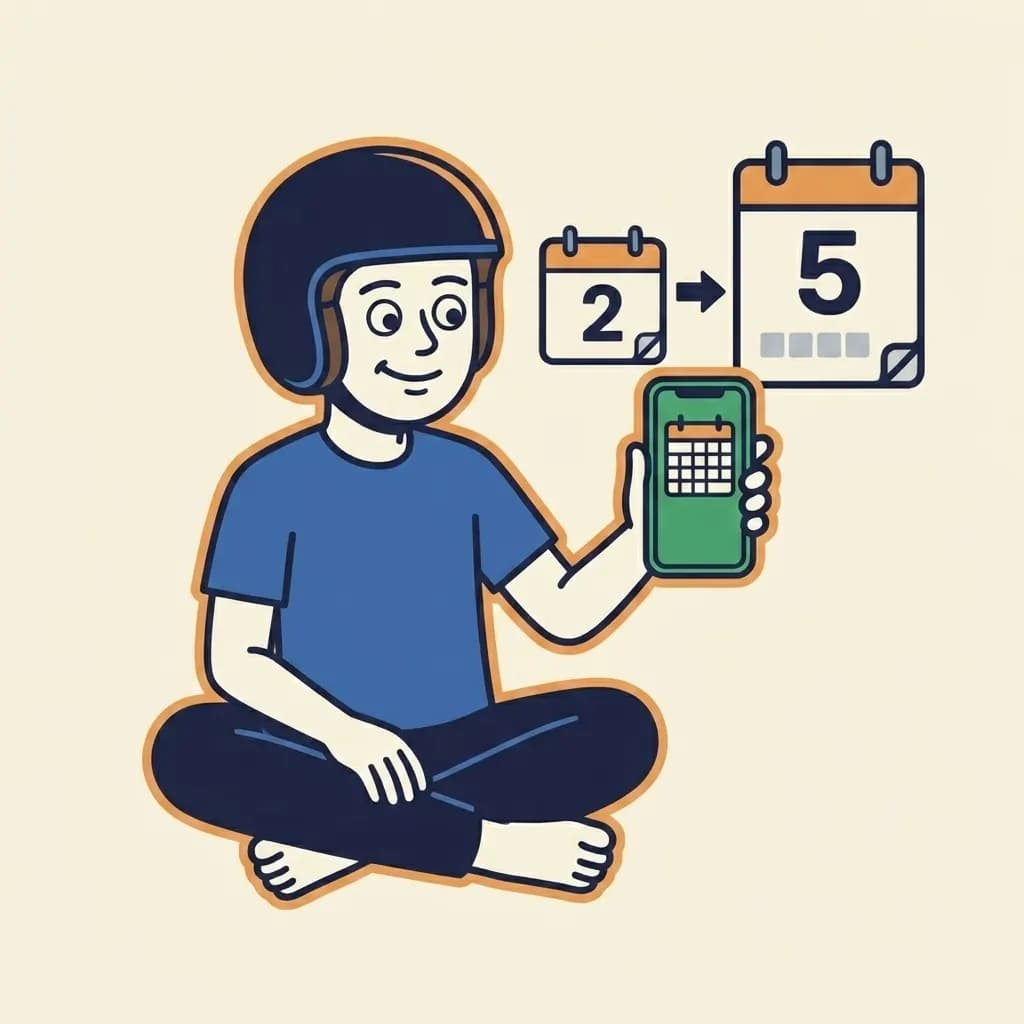
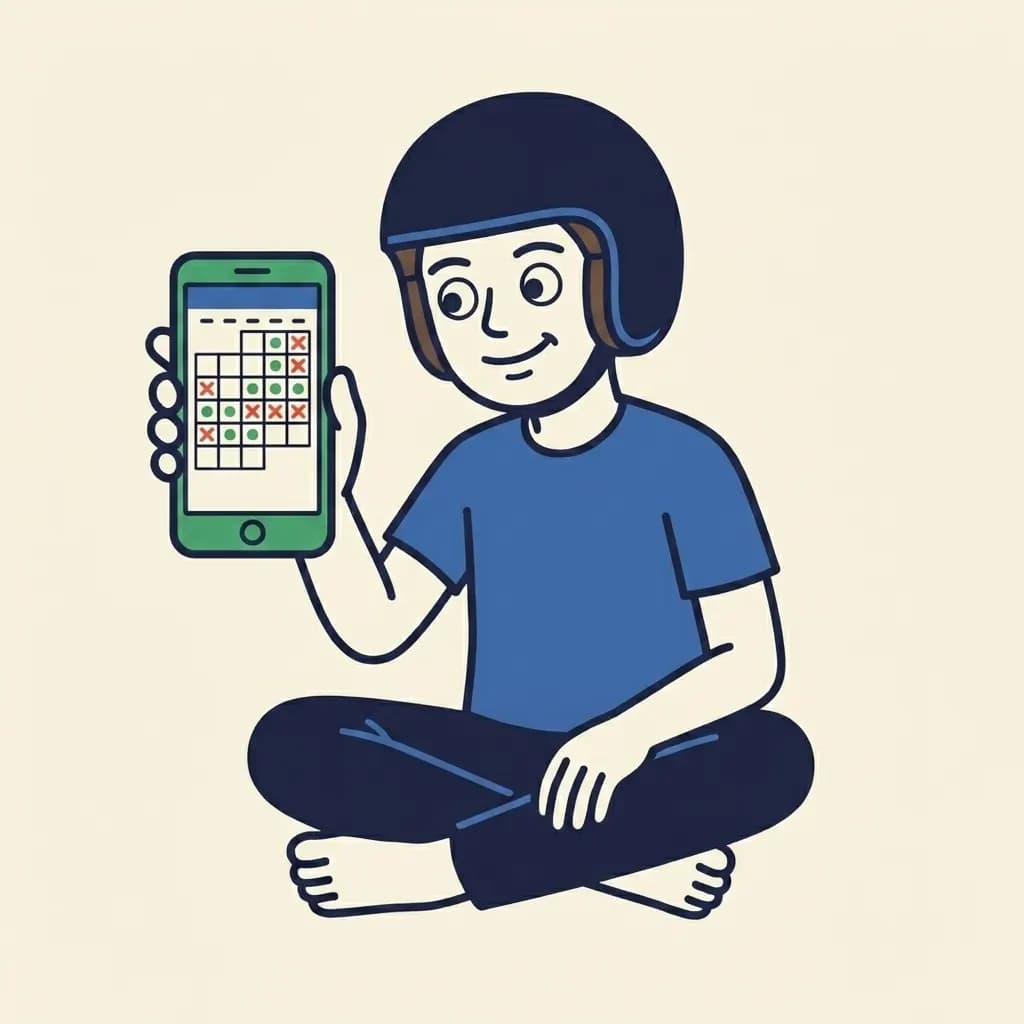
Mascot holding up a smartphone showing a calendar grid with one date circled and a small green checkmark badge floating beside the phone.
Before you book
Book with document timing in mind.
English-language and foreigner-handling slots can fill well ahead at busy offices. Time your booking so your residence and medical certificates are still current on the day, and confirm any branch-specific validity window before you travel.
Phase 1 · Sign in
Install the app and get logged in.
Foreigners get their own register and login buttons. After registration you log in normally.
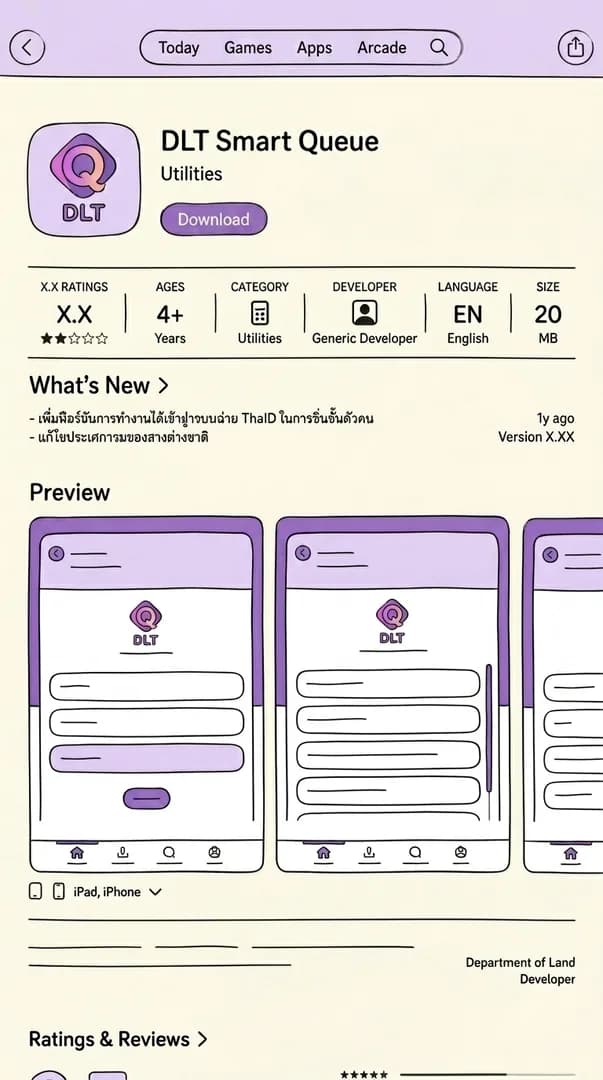
Step 1: Install the DLT Smart Queue app
Search for the official Department of Land Transport booking app in the App Store or Google Play. The icon is navy. Several look-alikes share similar names. Confirm the publisher is the Department of Land Transport before downloading. The app is free.
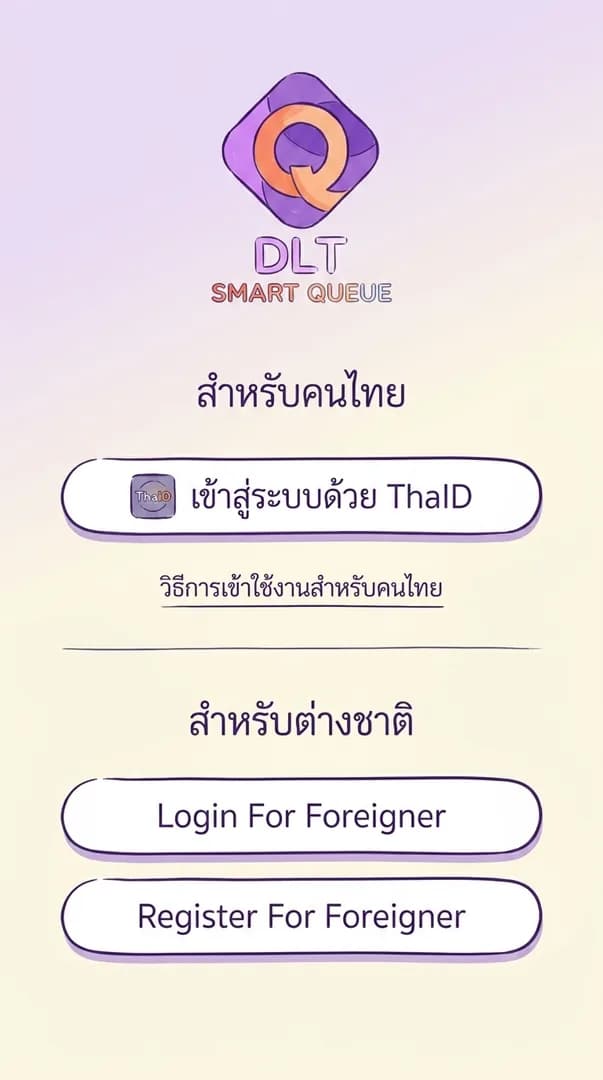
Step 2: Pick "Register for Foreigner" or "Login for Foreigner"
Two buttons sit above the standard Thai-citizen login. First time? Tap 'Register for Foreigner'. Got an account? Tap 'Login for Foreigner' and skip to step 4.
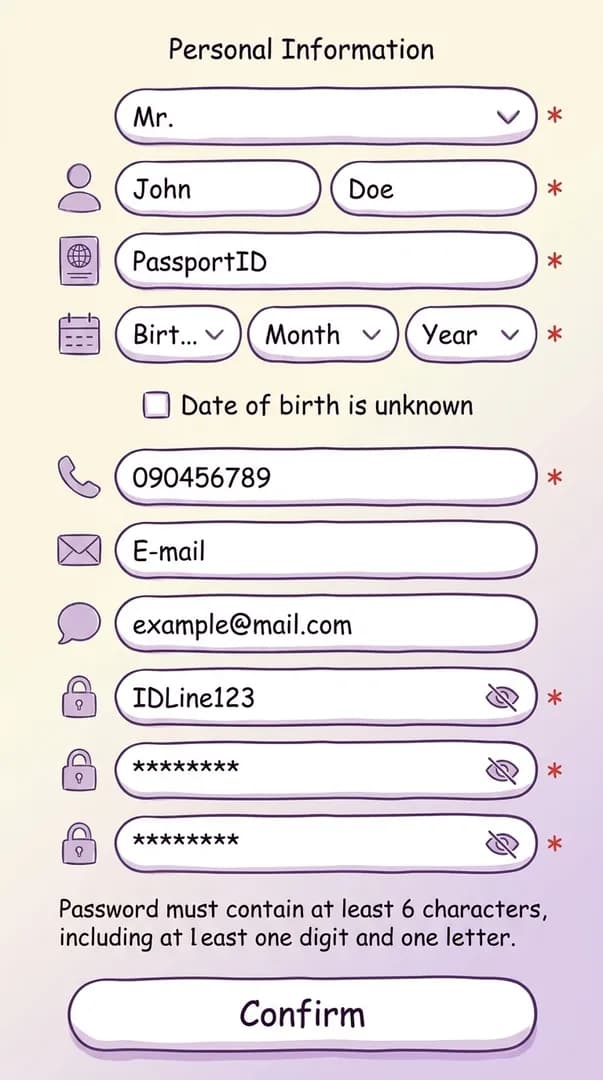
Step 3: Enter your personal information (registration only)
The form asks for passport number, full name, date of birth, nationality, phone number, and a password. Match the passport spelling exactly. The same name prints on your licence card later. Pick a password you can retrieve. The reset flow is clunky.
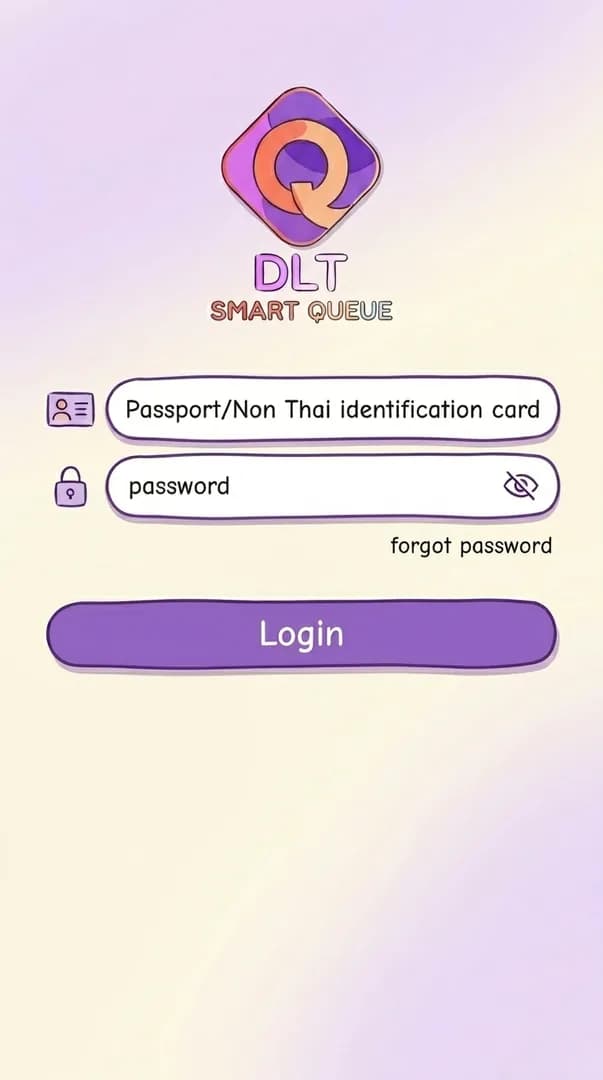
Step 4: Log in with your passport number and password
After registration the app drops you back at the login screen. Sign in with your passport number and the password you just set. There's no automatic carry-over. The same login works for any future renewal.
Phase 2 · Pick
Choose your branch, service, and vehicle.
Settle these before you open the calendar. You can't change them in place once a booking is confirmed.
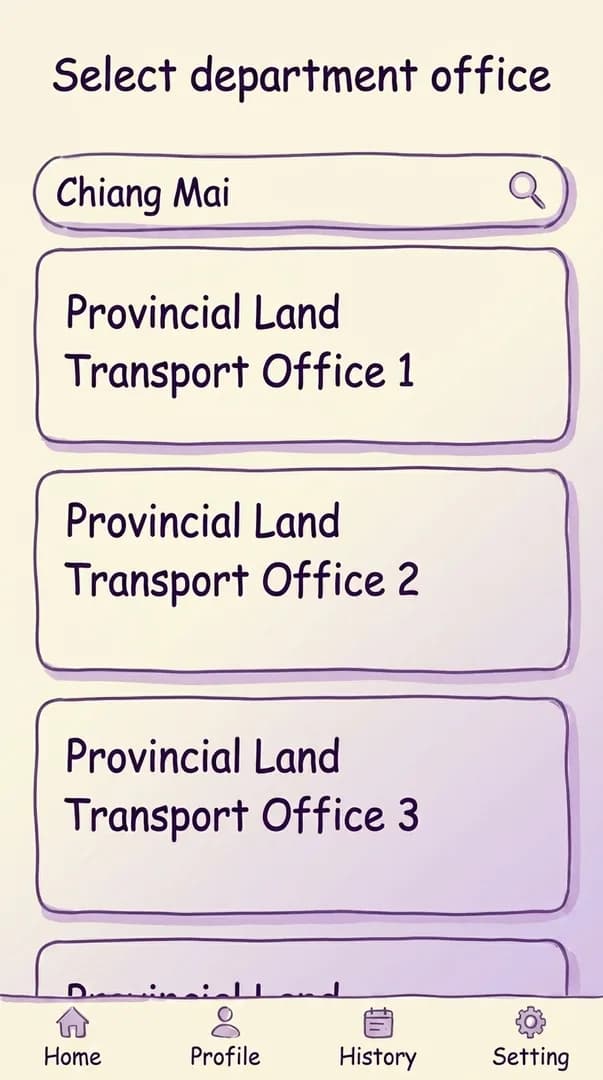
Step 5: Find your DLT branch by city or province
Use the search bar at the top of the branch screen. Type your province or city in English. Several offices may appear. Bangkok alone has multiple DLT branches, with different hours and English-stream schedules. Branches commonly confirmed to run the English-language theory test include Bangkok (Chatuchak, Bang Kapi, and Bang Khae), Chonburi, Phuket, and Chiang Mai. Smaller provincial branches may only schedule English candidates into a weekly slot, so call ahead before locking in.
Pro tip
Check your maps app first.
Several branches may share a name. Pick the one with the shortest commute and decent parking. You can't switch branch after booking, only cancel and rebook.
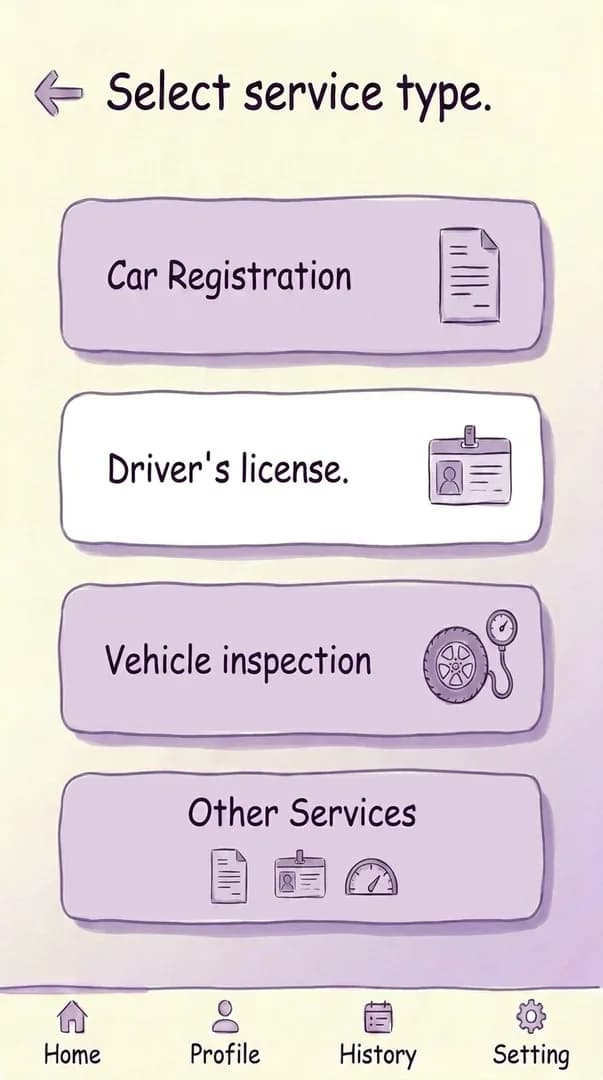
Step 6: Select service type "Driver License"
On the service screen, tap 'Driver License'. The other tiles cover vehicle registration, tax, and unrelated services. Those don't apply to a first-time foreign-licence candidate.
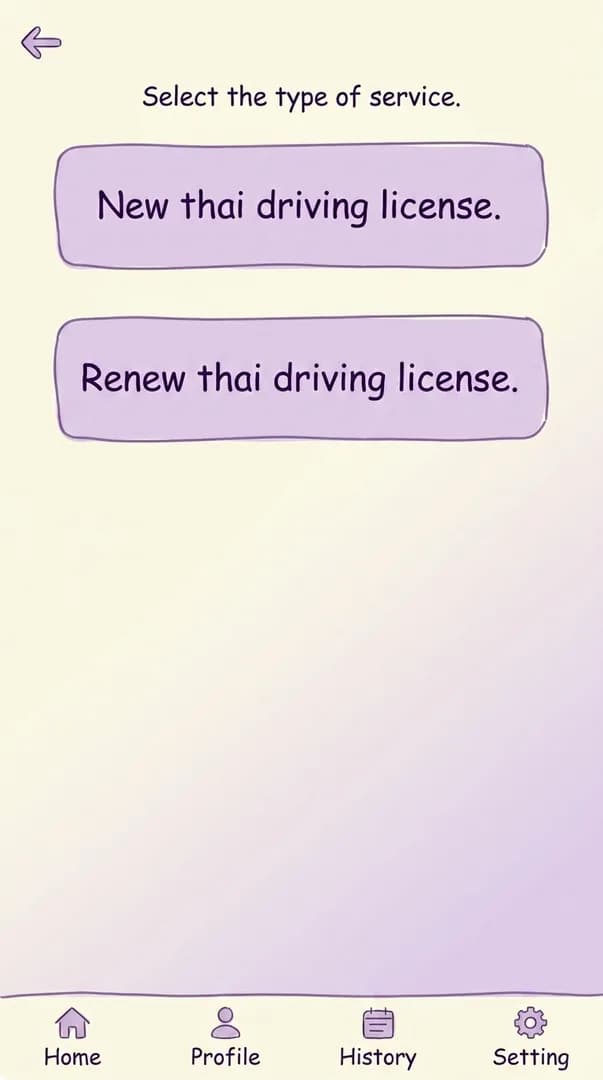
Step 7: Pick "New" or "Renew"
Choose 'New' for your first Thai licence. Choose 'Renew' to extend an existing Thai licence.
Pro tip
First: 2 years. Renewed: 5.
Your first Thai licence is a 2-year temporary. Renew it for a 5-year card. With less than a year of visa left, some offices issue another 2-year card instead.
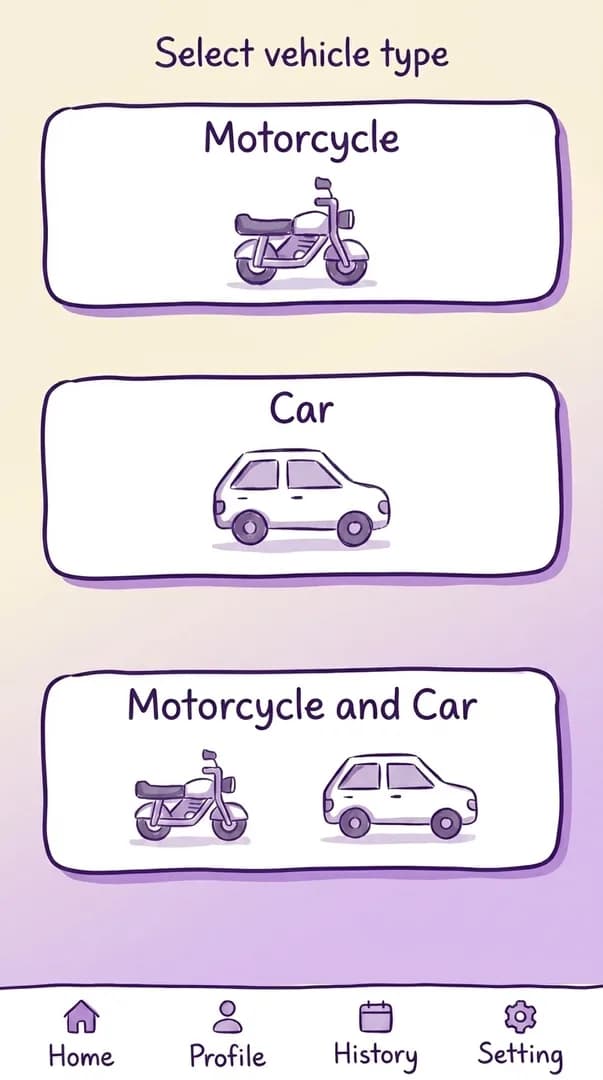
Step 8: Pick licence(s): Car, Motorcycle, or both
Pick what you actually need. Combined Car + Motorcycle bookings happen in one visit, not two separate visits.
Pro tip
On the fence? Do both.
Picking Car + Motorcycle only adds a bit more practical driving on day 2. Theory, the six-hour course, documents, and check-in stay exactly the same.

Phase 3 · Book
Pick a date and confirm the slot.
English-language availability varies by branch. Expect to scroll the calendar forward at busy offices.
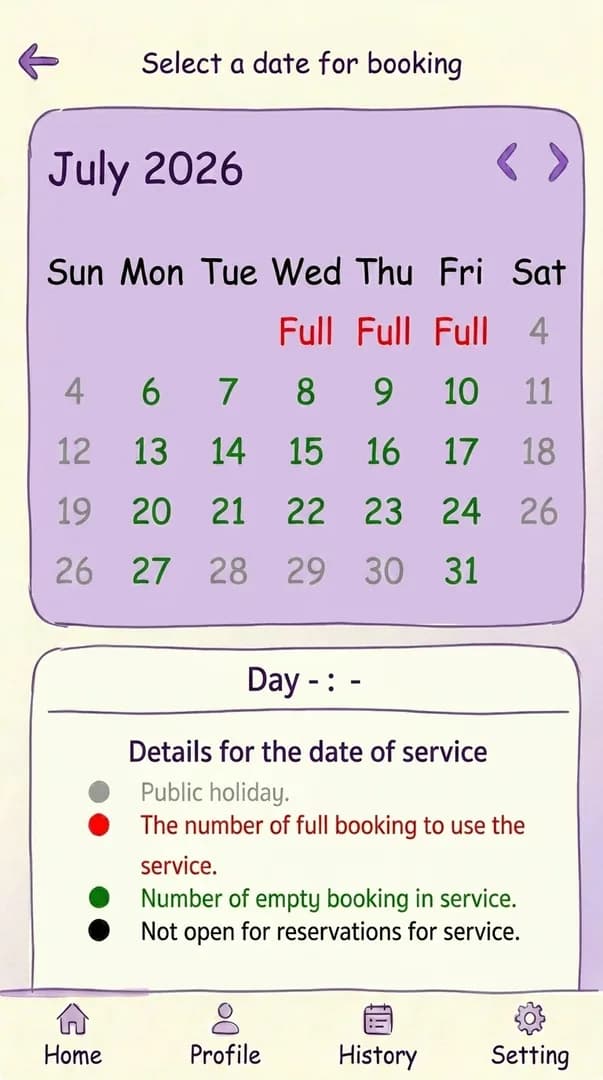
Step 9: Open the calendar and pick a date
Green cells are available. Red 'full' cells are booked out. Tap a green cell to see the open time slots.
Pro tip
Check future dates.
If everything is red, scroll the calendar forward and check other reachable branches. Refreshing will not fix a genuinely full calendar.
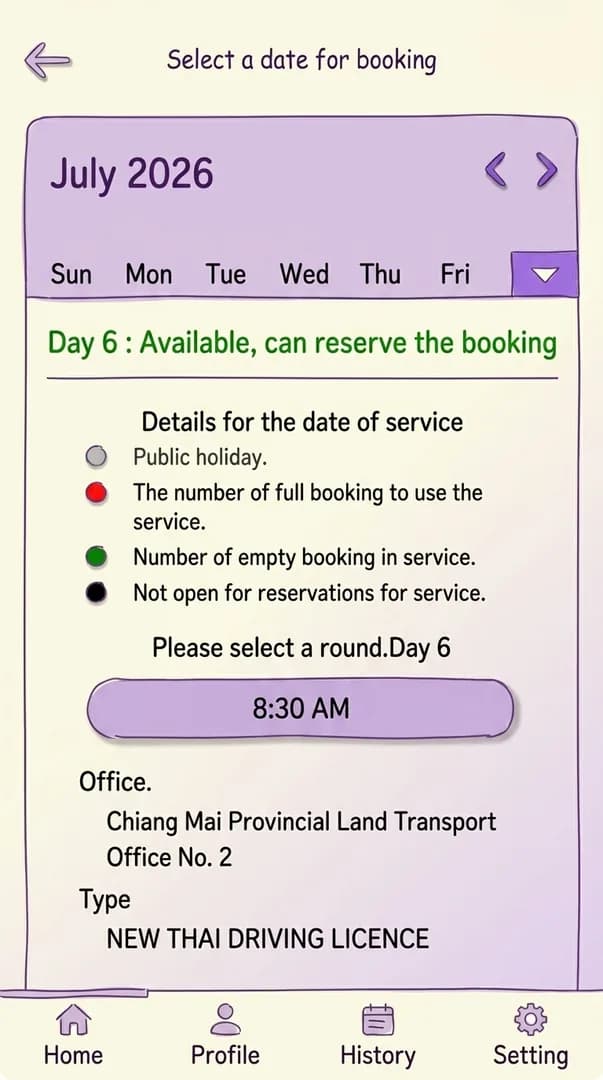
Step 10: Confirm the time slot in the availability popup
After tapping a day, a popup shows the available start times and the office location. Confirm both. The address matters. The practical exam happens on-site and you need to know where to drive.
Phase 4 · Show up
Save the QR. Bring the right kit.
The QR is your check-in. The required-documents list is baked into your booking. The dress code is enforced at the door.
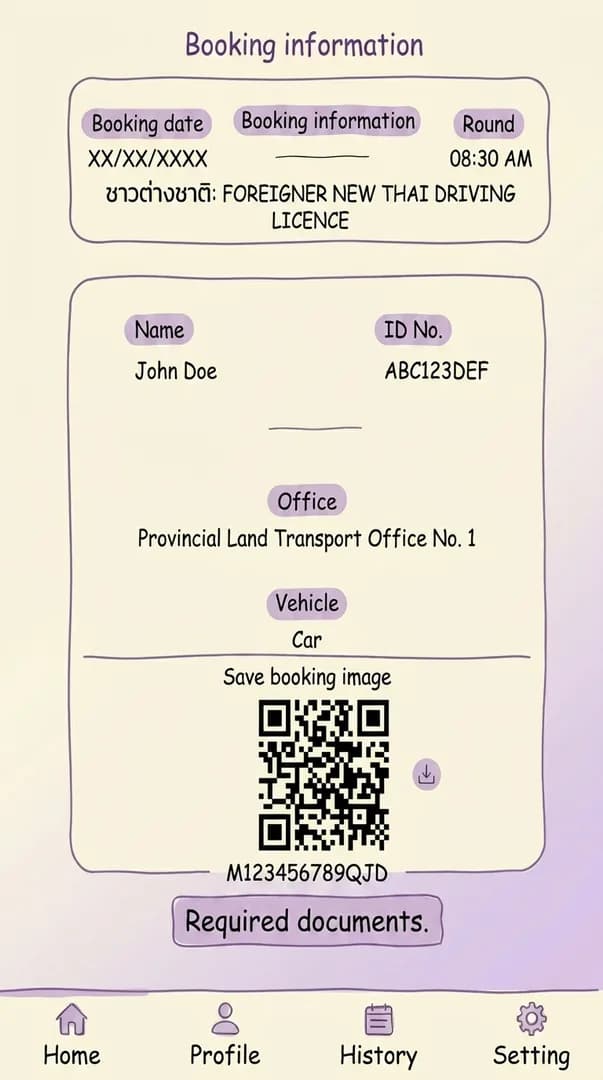
Step 11: Find your booking and QR code
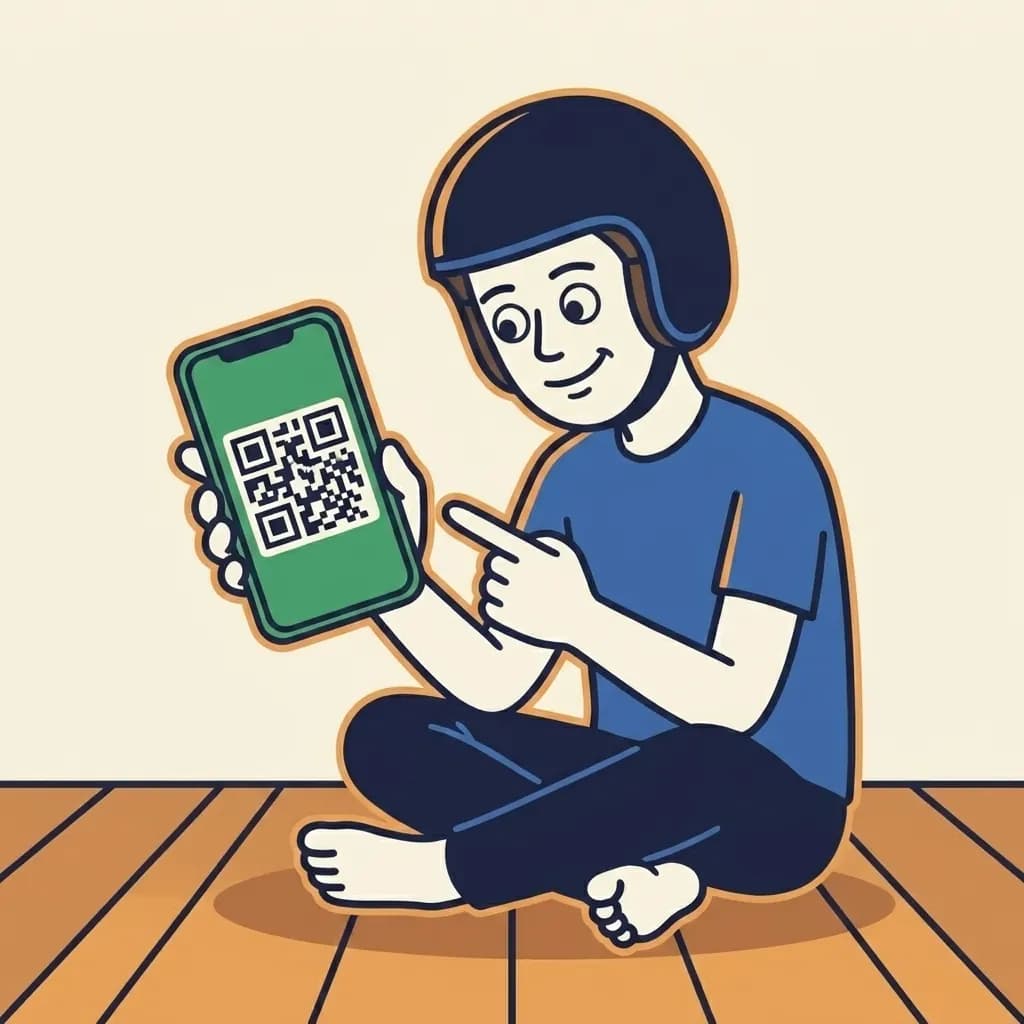
Open 'My Bookings' (or the profile icon, depending on app version) to see the full booking detail with a QR code. The QR is what check-in scans on appointment day.
Pro tip
Screenshot the QR.
Phone screens dim in the queue. Mobile data drops happen. A screenshot or printout is your safe fallback. The app also logs out without warning.
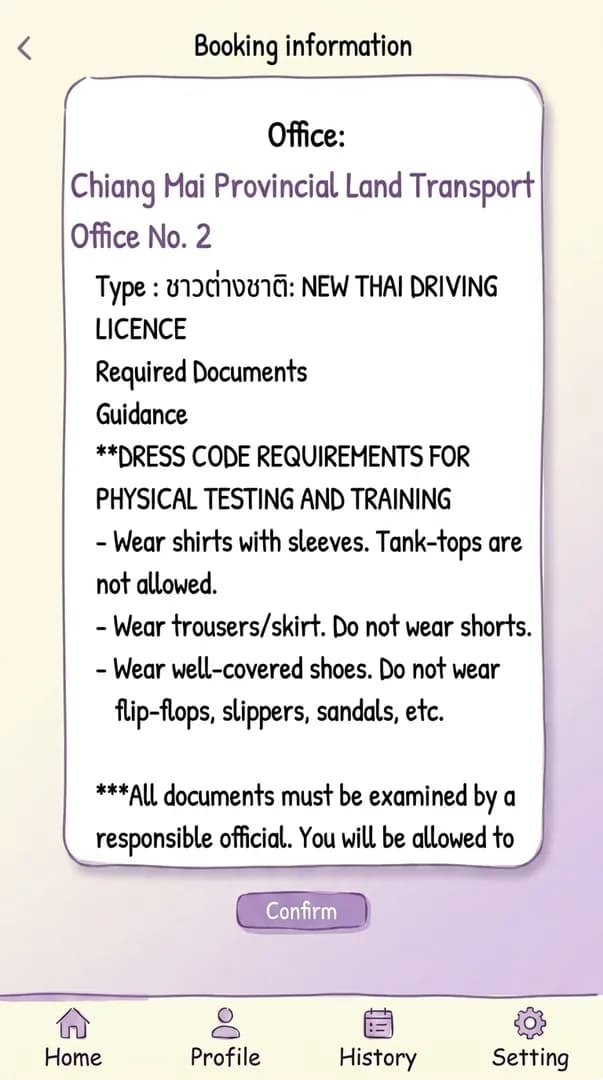
Step 12: Review "Required Documents" inside the app
Tap 'Required Documents' inside the booking detail. The checklist matches the service you booked. First-time foreign-licence usually means passport, residence certificate, medical certificate, and any existing licence.
Pro tip
Dress for a Thai government office.
Long pants and sleeved shirts only. No tanks, no muscle shirts. Closed shoes, no sandals or flip-flops. Doormen turn you away.

Office variance
Confirm specifics with your local DLT.
Procedures, fees, and document lists vary by branch and change over time. This guide reflects what most foreign-licence candidates report as of . Verify on the day with your local branch before relying on any single step.
Required documents
Bring originals and copies.
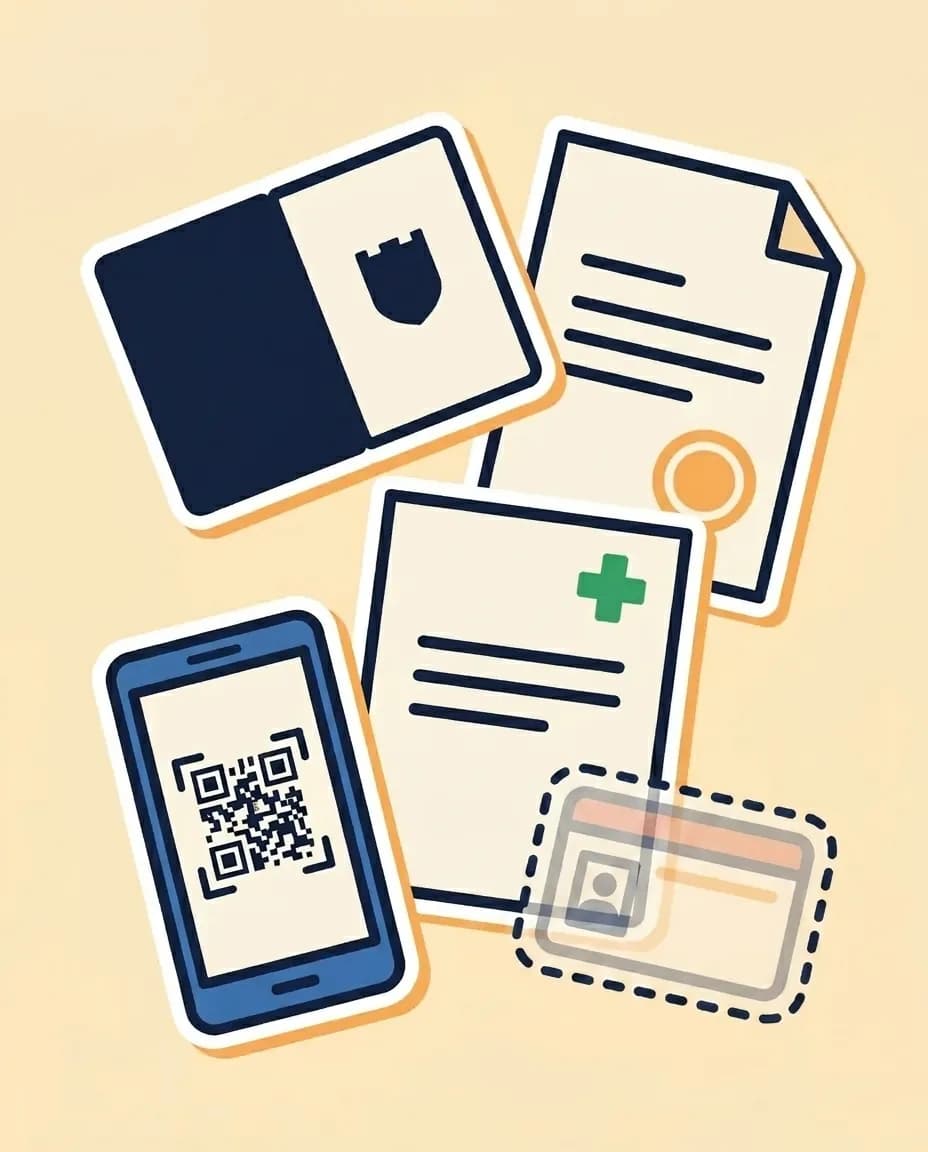
Passport plus a copy. Residence certificate from immigration. Medical certificate from a local clinic. Any existing licence. The QR code from the app. Counter staff want originals to verify and paper copies to file. Confirm with your office before you travel. Small offices vary.
Booking FAQ
What people ask before tapping ‘Confirm’.
Quick answers based on what most foreign-licence candidates report. The official rules sit with the Department of Land Transport. Confirm specifics with your local branch.
Do I need a Thai phone number to register in the DLT app?
Use a number you can actually answer while you are in Thailand. The app registration form asks for a phone number, and offices may use your booking details at check-in. Do not depend on an overseas number if it cannot receive calls or messages locally.What if the English-language slot at my branch is full for months?
Check other branches you can realistically reach before accepting a long wait. English-language availability is local-office practice, not a nationwide promise, and the calendar changes as people cancel. If you move to another branch, confirm the document requirements and cancellation rules before giving up the original slot.How early should I arrive on the appointment day?
Plan to arrive before the time shown in your booking, with extra buffer for security, document checks, and finding the right desk. For morning slots near opening, be there at opening or just before. If training or testing has already started, the office may make you rebook.Does the QR code expire, or can I screenshot it?
Treat the QR as proof for the booked office, date, and time. Save a screenshot or printout in case mobile data fails, but keep the live app available if staff want to check the current booking screen. If you cancel or rebook, use the newest QR only.
Now show up with everything else nailed.
Booking is the easy step. The 6-hour course, the document stack, the dress code, and the theory test wording wait for you. The full guide is one click away.